
SEND SCANS DIRECTLY FROM
YOUR SCANNER
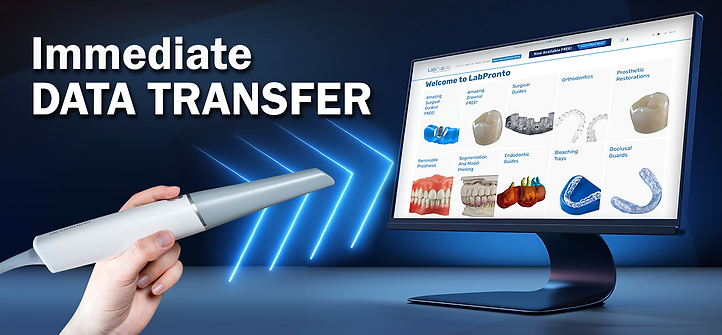
Simple Data Transfer Immediately After Scanning
Important! Place the order via the LabPronto.com website. In the order form note that you will be sending the scan directly from your IOS scanner and indicate the type of scanner you have.
When sending the scan from the scanner note the LabPronto case ID so the scan can be associated to the correct order.
Questions? Support@Labpronto.com
If you are using a different intraoral scanner, please contact us at info@blueskybio.digital for assistance.
Sending Instructions
iTero Scanner:
Send the Scan to Lab ID: 443352
One Time Initial Setup: Call iTero support to register a setup connection from your scanner to LabPronto.
iTero support: 800-577-8767 Ext 2
Shining Scanner:
On the left-hand main menu, look for the "Connections" or "Relationships" tab (this is sometimes located under "Institution Management").
Click on "New Connection" or "Add Relationship".
In the search bar, type: LabPronto
-
Note: If searching by name does not yield results, please ensure you are searching under the "Labs" category.
Locate "LabPronto" in the list of results.
Click the "Connect" or "Apply" button next to our name.
Cerec Primescan™ by Dentsply Sirona®
Login to your Sirona Connect Doctor’s Portal and navigate to “Add”.
Now under “My Account”, click on “My Favorite Laboratories”
Click on “Search Labs”
Enter "LabPronto" in the Company Name field.
Your scans are ready to be sent right away – just choose 'LabPronto' Lab from your drop down menu.
CEREC is a product of Dentsply Sirona
3Shape Scanner:
One Time Initial Setup: Click the 'Add Connection' button to setup a connection from your scanner.
Sending Scans: Send the Scan to Support@Labpronto.com
Straumann (Virtuo Vivo) Instructions
Open the main menu and select Connections (often located under the More or Settings tab).
Select Add Connection or Add Lab.
In the search bar, type: LabPronto.
Select LabPronto from the list and click Connect.
Sending Scans: When finalizing a case, select LabPronto as the destination lab.
Upgrade and Save!
True Anatomical Premium Aligners!


Above offer is currently only available in the United States.